

OSFP and QSFP-DD can both support 800G optical links, but the module format must match the host cage, thermal design, electrical interface and required optics. They are not interchangeable simply because both products are labelled 800G. Before ordering, verify the switch or router port type, the exact transceiver part number, connector, fiber type, reach, breakout mode and firmware support. This checklist helps buyers prevent costly host-port and cabling mismatches.
OSFP vs QSFP-DD: the short answer
OSFP is a larger form factor with more physical space for power handling and heat dissipation. QSFP-DD extends the familiar QSFP footprint with a double-density electrical interface and can preserve compatibility with some lower-speed QSFP modules when the host platform explicitly supports them. Neither advantage guarantees compatibility with a particular switch. The host vendor’s hardware documentation and supported-optics list remain the authoritative starting point.
| Decision point | OSFP | QSFP-DD |
|---|---|---|
| Physical format | Larger module and cage | QSFP-family footprint with double-density contacts |
| Thermal headroom | Often selected for higher-power optics and dense 800G platforms | Depends on module power class, cage and platform airflow |
| Backward use | Requires host-specific support and possible adapters | Some cages support earlier QSFP modules, but only when the platform specifies it |
| Cabling | Determined by the optical specification: MPO or LC, MMF or SMF, lane plan and reach | |
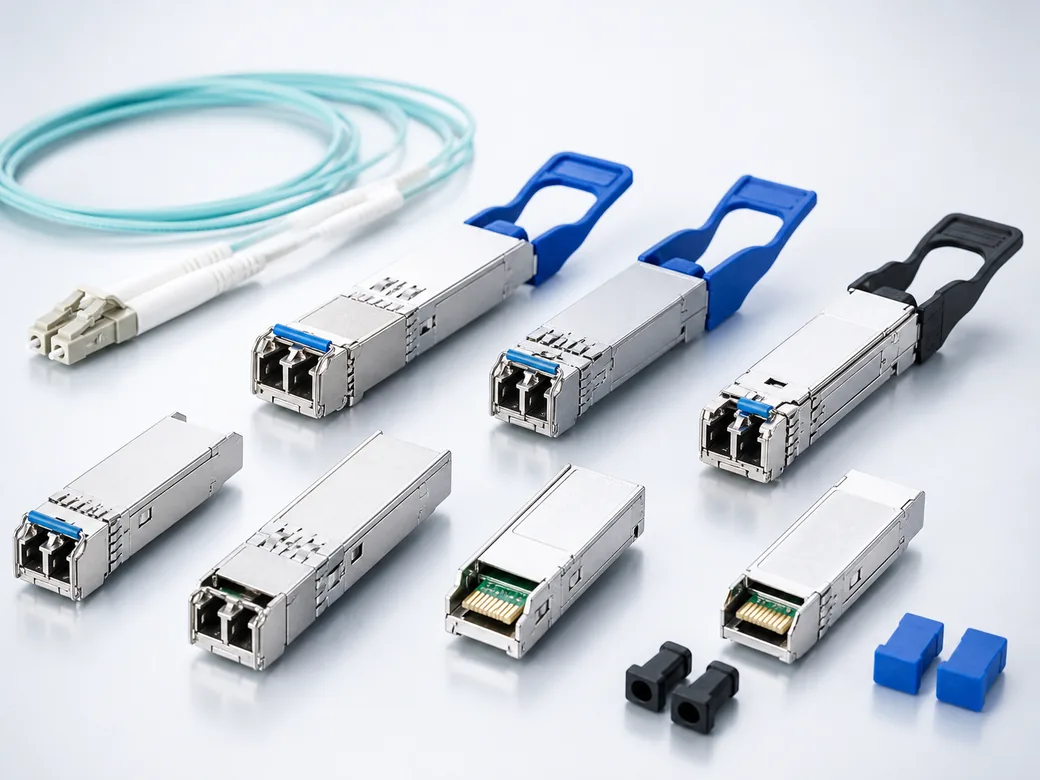
1. Confirm the host cage and platform support
Read the front-panel port label and the exact platform data sheet. A port described as OSFP should normally use an OSFP module; a QSFP-DD port should use a QSFP-DD module unless the platform vendor documents another supported combination. Mechanical adapters may exist for selected cases, but an adapter does not create electrical, thermal or firmware compatibility.
Record the chassis model, line-card part number, software release and port mode. High-speed systems can limit which ports support 800G, how adjacent ports operate, or whether a port is configured as one 800G link or a group of lower-speed lanes. When sourcing compatible optics, provide these host details with the inquiry rather than requesting only “800G transceivers.”
2. Match the electrical lanes and breakout requirement
An 800G optical module can use different internal electrical and optical lane arrangements. The system may expect eight 100G electrical lanes, four 200G lanes, or a defined retimer and DSP architecture. The module and host must agree. Breakout applications also need explicit confirmation: an 800G port may be intended to connect as 2×400G, 4×200G or 8×100G, but the supported combinations depend on the platform, module and cable assembly.
Do not assume that an MPO connector automatically means a particular breakout. MPO fiber count, key orientation, polarity, lane assignment and mating interface must all be documented. For duplex LC optics, confirm whether the link is a single wavelength pair, parallel wavelengths over two fibers, or a coherent interface with different operational requirements.
3. Select connector, fiber and reach as one system
| Example optical approach | Typical interface | Buyer checks |
|---|---|---|
| Short-reach parallel multimode | MPO/MTP over MMF | Fiber count, OM grade, polarity, total loss and cleaning method |
| Parallel single-mode | MPO/MTP over SMF | Lane mapping, connector loss, fiber geometry and reach budget |
| Wavelength-multiplexed single-mode | Duplex LC over SMF | Wavelength plan, link loss, dispersion limits and interoperability |
Reach names such as SR, DR, FR and LR are not substitutes for the complete data sheet. Confirm the applicable specification, center wavelength, transmitter and receiver limits, maximum channel insertion loss, connector count and fiber type. Patch panels, cassettes and trunk cables consume part of the loss budget, so calculate the installed channel rather than checking only the straight-line distance.
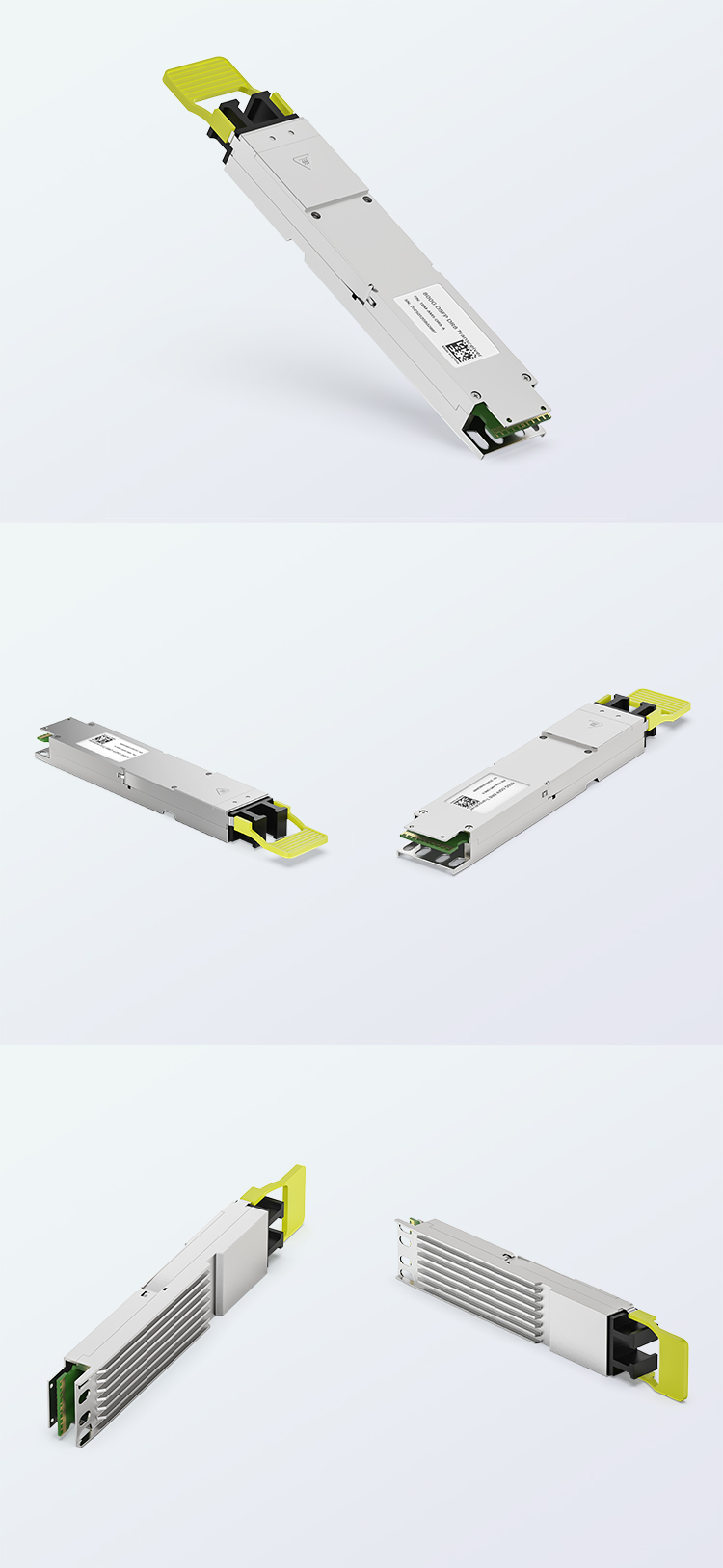
4. Check power, cooling and operating environment
Module power matters at 800G. Confirm the transceiver’s maximum power consumption and the host port’s supported power class. Review platform airflow direction, heatsink style, operating temperature and altitude derating. A module that fits mechanically can still run too hot if the cage, faceplate density or airflow is unsuitable.
OSFP modules may use integrated heatsinks or platform-specific thermal designs. QSFP-DD systems can use different cage and heatsink arrangements. Do not compare form factors using a single generic temperature number. Use the host vendor’s port specification and the module supplier’s thermal limits for the exact part number.
5. Validate firmware, diagnostics and interoperability
Many platforms identify the vendor name, part number, revision and firmware data stored in the module. Unsupported optics may generate alarms, limit support coverage or fail to enable the port. Ask whether the module coding is intended for the exact host and software release. If the project requires digital diagnostics, confirm which monitoring values are exposed and how alarms are reported.
For multi-vendor links, approve both endpoints and the optical specification. A link can fail even when each module works locally if wavelength, reach class, FEC mode or lane assignment differs. A short sample test in the actual equipment is more useful than relying on a generic “compatible” label.
800G procurement checklist
- Host manufacturer, chassis, line card, software release and port number
- Required form factor: OSFP or QSFP-DD
- Target rate and breakout mode
- Module standard or exact reference part number
- Connector: MPO/MTP or duplex LC
- Fiber type, polarity, lane assignment and installed length
- Channel insertion-loss budget and number of mated pairs
- Power class, airflow direction and operating temperature
- Firmware coding, diagnostics and support expectations
- Sample quantity and acceptance test before volume release
Browse DetwilerTech optical transceivers, review the 800G OSFP DR8 product, or use our existing SFP/QSFP selection guide for lower-speed form factors.
Frequently asked questions
Can an OSFP module be inserted into a QSFP-DD cage?
No. They are different mechanical form factors. Use the form factor specified by the host platform unless the equipment vendor documents a supported adapter arrangement for the exact module and port.
Does every QSFP-DD port accept QSFP28 or QSFP56 modules?
Not automatically. Some hosts support backward operation, but supported speeds, lane modes and module types are platform-specific. Check the hardware guide and software release notes.
Should 800G buyers choose MPO or LC?
Choose the connector required by the optical specification and link architecture. MPO is common for parallel optics, while duplex LC is common for wavelength-multiplexed single-mode designs. The connector alone does not define reach or interoperability.
Conclusion
The correct 800G choice starts with the host port, not with the transceiver price list. Freeze the form factor, electrical lane mode, optical specification, connector, fiber channel, power class and firmware requirement before requesting samples. To review an OSFP or QSFP-DD project, contact DetwilerTech with the host model, target reach, connector, fiber and expected quantity.
Author note: Prepared by the DetwilerTech optical-connectivity team for distributors, integrators and data-centre project buyers. Final compatibility must be verified against current host-platform and transceiver documentation.

CUSTOMER DISCUSSION
Article Discussion
Read questions and experience from other customers, then add your own product or project feedback.
No published comments yet. Start the first useful discussion.
Sign in to comment
Registered customers use their account display name and can track moderation status from the account page.
Customer Login Create an Account