

Wi-Fi 7 access points need a wired backhaul that can sustain multi-gigabit traffic and deliver enough PoE power. For most new enterprise deployments, Cat6A is the practical default because it supports 10GBASE-T to 100 metres, provides better thermal headroom for bundled PoE cables, and reduces the risk of replacing horizontal cabling when access-point demand grows. The checklist below helps specifiers align the switch port, copper channel, PoE class and installation environment before procurement.
Start with the access point and switch, not the cable label
A Wi-Fi 7 design should begin with the actual access-point data sheet and the planned switch. Confirm the Ethernet port speed, PoE input requirement, connector count and whether link aggregation is supported. A radio advertised with very high aggregate wireless capacity does not automatically require a 10 Gb/s uplink in every installation. Client mix, channel width, spectrum availability, traffic profile and WAN capacity all affect real throughput.
The safest approach is to document three values for each access-point model: its maximum supported Ethernet speed, the minimum PoE standard for full operation, and any reduced-function mode used when power is insufficient. Then match those values to the switch port and the permanent link. This prevents a common problem: installing a high-capability access point on a 1G switch port or powering it from a source that disables radios or features.
2.5G, 5G or 10GBASE-T: choose the uplink deliberately
| Uplink option | Typical design use | Cabling consideration |
|---|---|---|
| 2.5GBASE-T | Cost-conscious refresh using supported installed cabling | Validate the complete channel and PoE condition, not only the cable category |
| 5GBASE-T | Higher-density or higher-throughput Wi-Fi 7 deployments | Check switch support, link length, connectors and alien-crosstalk margin |
| 10GBASE-T | New builds, demanding APs and long service-life designs | Cat6A is the normal specification for a 100 m standards-based channel |
Multi-gigabit Ethernet allows 2.5G and 5G operation over twisted-pair channels, but reuse decisions still need field verification. Age, workmanship, bundle size, patch cords, consolidation points and electromagnetic conditions can turn a theoretically capable link into an unstable one. For a greenfield project, specifying a consistent Cat6A channel is usually simpler than depending on uncertain legacy margins.
Why Cat6A is a strong default for new Wi-Fi 7 cabling
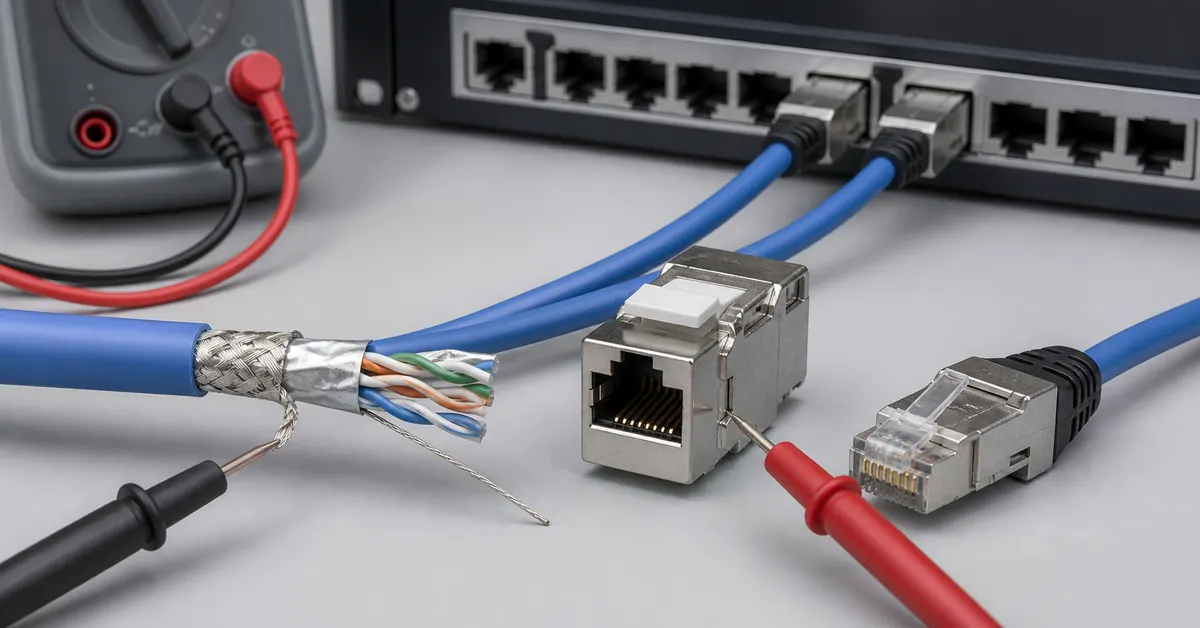
Cat6A provides 500 MHz channel performance and is designed for 10GBASE-T over the full 100-metre channel. That gives the access layer room to move from 2.5G or 5G today to 10G later without opening ceilings and replacing horizontal runs. It also gives designers a clearer basis for alien-crosstalk control than relying on borderline legacy channels.
Shielded and unshielded Cat6A can both work when the system is designed and installed correctly. Use shielded cabling where the project has an appropriate bonding strategy, compatible shielded components and trained installers. Use UTP where environmental noise is controlled and the project benefits from simpler grounding requirements. Do not mix a shielded cable with unshielded jacks or leave bonding continuity undefined. Review compatible bulk cable options together with jacks, patch panels and patch cords as one channel.
PoE power and heat belong in the cabling specification
Wi-Fi 7 access points may require PoE+, PoE++ or a specific power level to run every radio, USB function and IoT interface. Confirm the powered-device requirement and the switch power budget per port and across the whole chassis. The source must support both the requested class and the total number of simultaneously powered access points.
Higher current increases conductor temperature, especially in large cable bundles, enclosed pathways and warm ceiling spaces. Temperature rise increases resistance and insertion loss, so bundle design is part of link performance. Specify conductor size, cable construction, bundle limits, ambient temperature, pathway fill and connector suitability for the selected PoE level. Copper-clad aluminium conductors should not be treated as equivalent to standards-compliant solid copper horizontal cable.
If the project uses shielded Cat6A, the screen does not replace correct conductor sizing or PoE evaluation. If it uses UTP, heat still needs to escape from the bundle. Ask suppliers for construction details and approve the intended cable, jack and plug combination before volume ordering.
Wi-Fi 7 wired-backhaul specification checklist
- Access point: record supported Ethernet rates, PoE class, maximum draw and reduced-power behaviour.
- Switch: confirm 2.5G/5G/10G support, PoE standard, per-port output and total power budget.
- Channel: define category, shielding, conductor size, maximum length, patch-cord allowance and consolidation points.
- Pathway: document bundle size, fill ratio, ambient temperature, bend radius and separation from interference sources.
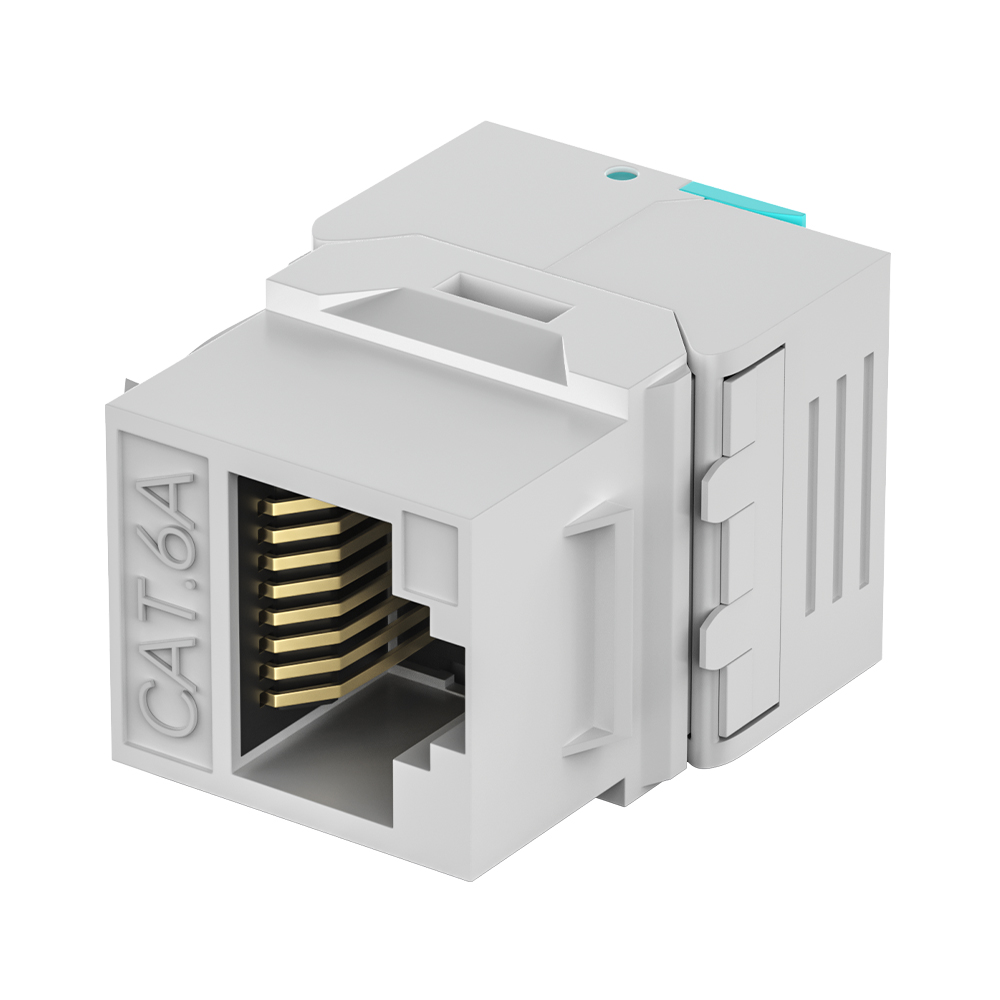
- Interfaces: approve cable, keystone jack, patch panel and patch cords as a compatible set.
- Testing: require certification to the specified category after installation and retain the test records.
- Serviceability: label both ends, reserve pathway capacity and document switch ports for future upgrades.
For OEM or project-specific configurations, DetwilerTech can review cable dimensions, conductor construction, shielding, termination hardware and packaging requirements. Explore the full product catalogue, compare RJ45 modular plugs, or review OEM/ODM support.
Frequently asked questions
Does every Wi-Fi 7 access point need 10GBASE-T?
No. Many deployments are well served by 2.5G or 5G, depending on the access point, client density and application traffic. A new Cat6A channel can still be valuable because it keeps a 10G migration path available.
Can existing Cat5e or Cat6 cable be reused for multi-gigabit Ethernet?
Sometimes, but the decision should follow an assessment of the installed channel, length, connectors, workmanship, bundle condition and PoE load. Field test the channel rather than relying only on the jacket marking.
Is shielded Cat6A always better for access points?
No. Shielded Cat6A is useful when the environment and bonding design justify it. A correctly designed UTP Cat6A channel can also provide excellent performance. Consistency and installation quality matter more than choosing shielding without a system plan.
Conclusion
For new Wi-Fi 7 projects, Cat6A provides a clear, upgrade-ready foundation for 2.5G, 5G and 10G access-point links. The final specification should connect four decisions: the AP uplink, the switch port, the PoE budget and the complete copper channel. If you need help matching cable and termination hardware to an access-point project, contact DetwilerTech with the target link speed, length, PoE class and installation environment.
Author note: Prepared by the DetwilerTech connectivity engineering team for distributors, integrators and project specifiers. Product selection should be verified against the current access-point, switch and cabling standards documentation.

CUSTOMER DISCUSSION
Article Discussion
Read questions and experience from other customers, then add your own product or project feedback.
No published comments yet. Start the first useful discussion.
Sign in to comment
Registered customers use their account display name and can track moderation status from the account page.
Customer Login Create an Account